

Discover tutorials, user manuals, and more.
-
Products & Pricing
-
Dashboard
-
Providers
-
-
-
- Articles coming soon
-
-
-
- Articles coming soon
-
User Management
-
Billing & Reports
-
-
- Articles coming soon
-
- Articles coming soon
-
-
-
- Articles coming soon
-
A Server Group is a logical grouping of instances (VMs) that lets you apply placement policies to control where and how those VMs are deployed in your infrastructure.
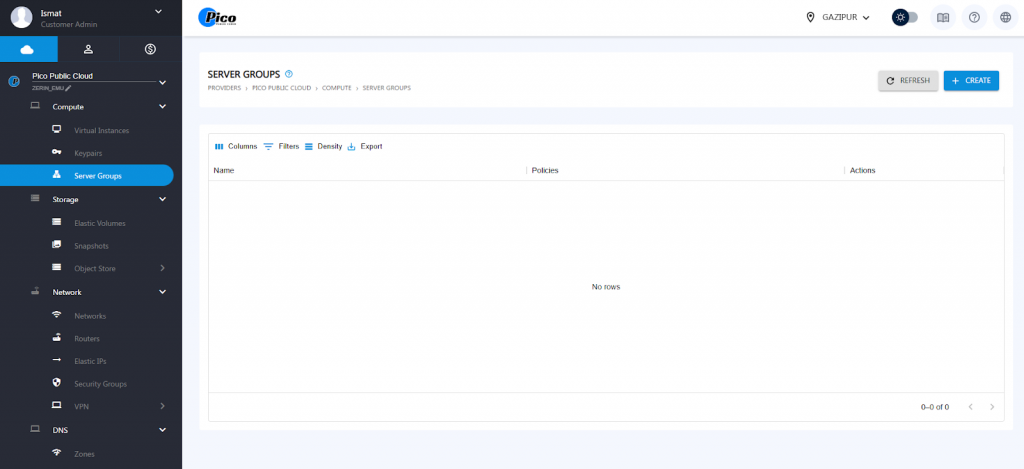
To create a server group we have to select the below step.
- Select server group
- Click on create
- Name the server group
- Select affinity/anti-affinity
- Done
- After that, the server group will be applied during the VM creation process.
Types of Policies
- Affinity Policy: Keep VMs together on the same host.
- Anti-Affinity Policy: Keep VMs apart on different hosts.
Table of Contents