

Keypairs
A key pair is the combination of a Private and a Public key, which works to make user login authentication more seamless. Instead of asking for a password, the server accepts an encrypted copy of the user’s private key and compares this with the user’s public key, normally stored on the server in a file called authorized_keys in the user’s /home/user/.ssh directory.
To generate an SSH keypair, all you need is a computer or virtual machine running a Linux distribution. This is likely a machine you’re using for container development and/or managing deployments of “big software” on remote servers. Here is the easiest way to generate a keypair and use it:
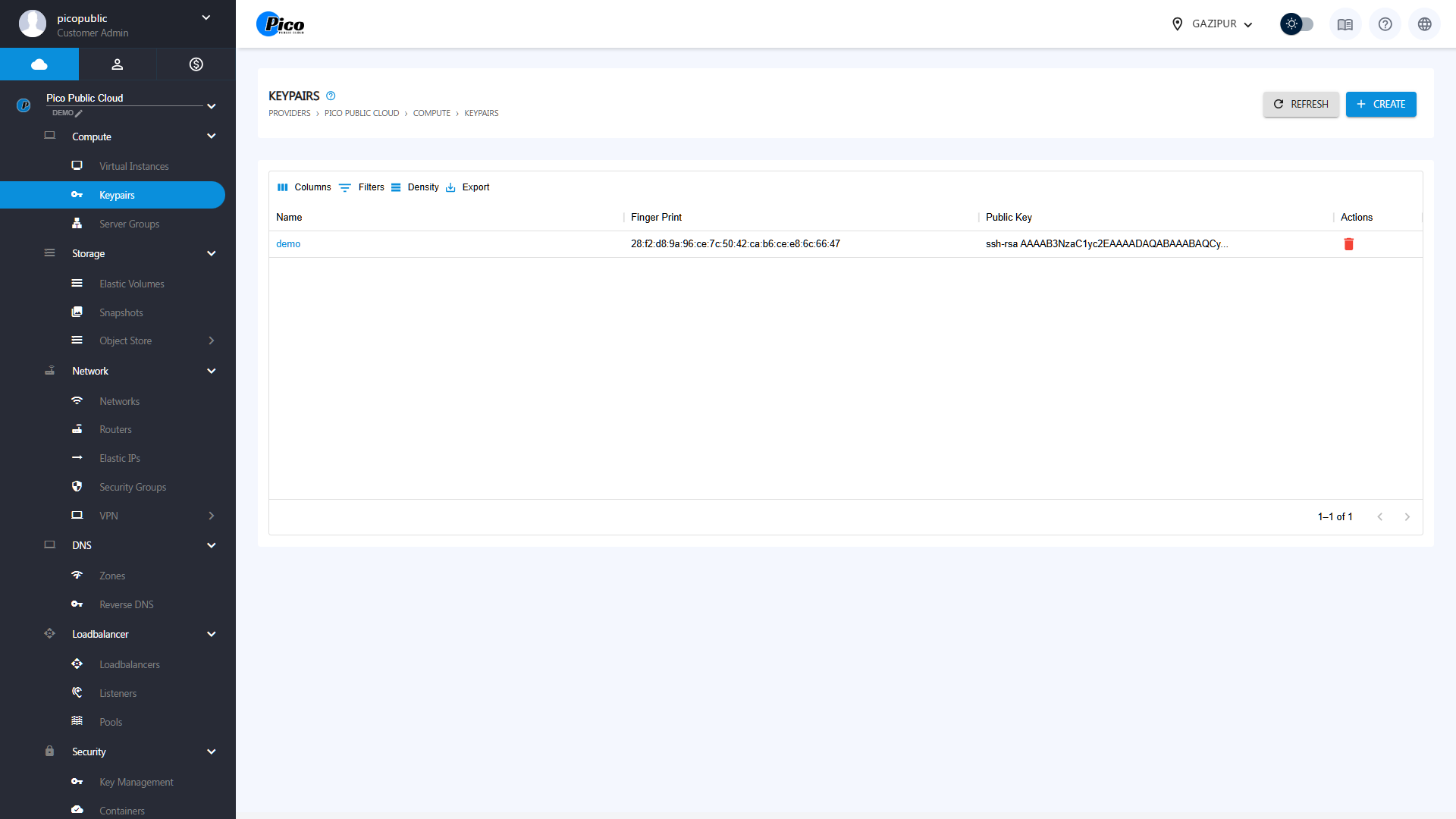
Click on create to create a key pair.
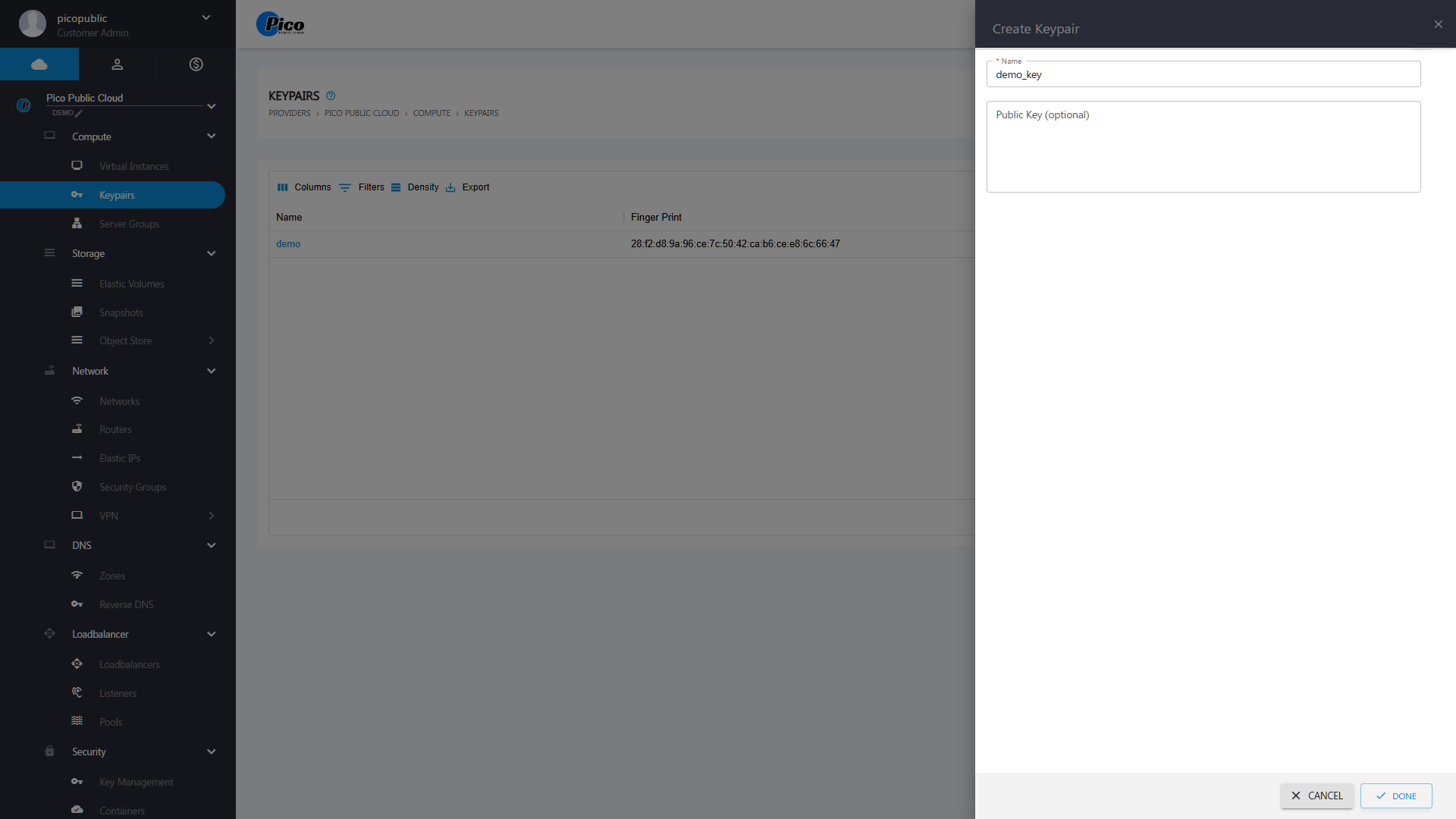
Give a name to your keypair and hit “Done”. A .pem file will be automatically created and downloaded to your physical desktop/laptop.
Then run the following command to access your keypair:
- Redirect to the downloaded folder
cd Downloads/- To change the permission of the keypair
sudo chmod 0400 demo_key.pem- Now SSH to your VM using the keypair
ssh -i demo_key.pem username@xxx.xxx.xxx.xxx