
-
Products & Pricing
-
Dashboard
-
Providers
-
User Management
-
Billing & Reports
-
-
- Articles coming soon
-
- Articles coming soon
-
-
-
- Articles coming soon
-
The information for each of the widgets on the dashboard is shown below:
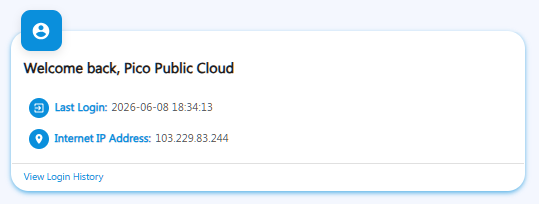
The Welcome widget displays information about your most recent successful login, including the date and time stamp, as well as the IP address from which you accessed the console, to ensure the security of your account.
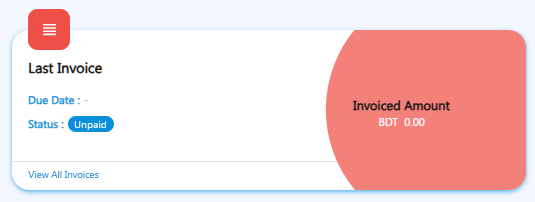
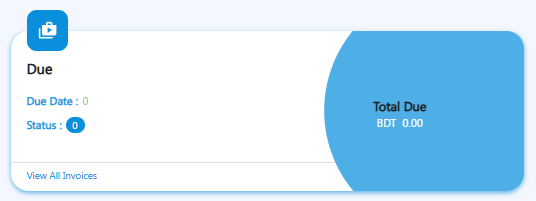
The Last Invoice and Dues widgets display information on the invoices and pending payments. It also keeps you updated on the status of your most recent invoice to help you remember to pay any outstanding balances.
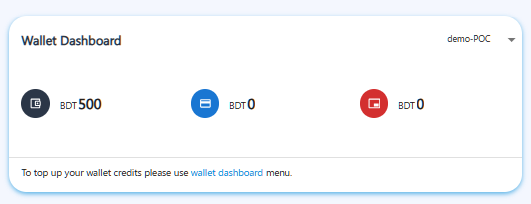
The Wallet Dashboard widget displays information about your Credit Limit (the highest amount of consumption you can have in a single billing cycle), your Wallet Credits, and any available Free Credits.
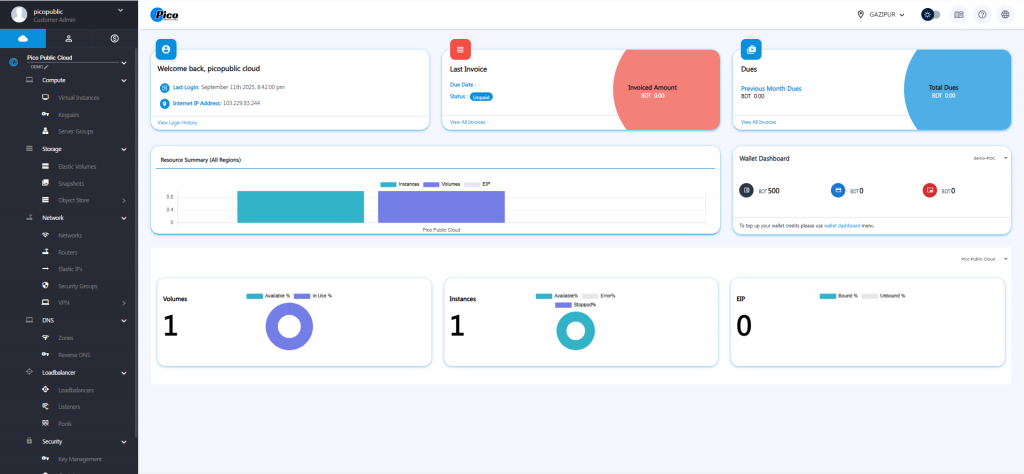
The Resource Summary widget displays basic statistics and information about your utilized resources, including virtual instances, storage volumes, and network components.